Walkthrough and board solution
Bus Traffic Fever Level 56
Stuck on Bus Traffic Fever Level 56 Watch the walkthrough and follow the answer and solution step by step to clear the parking jam and beat Level 56 fast.
Route overview
Systematically dispatch buses to match the incoming passenger flow while prioritizing the removal of buses that block access to others and maintaining available parking slots.
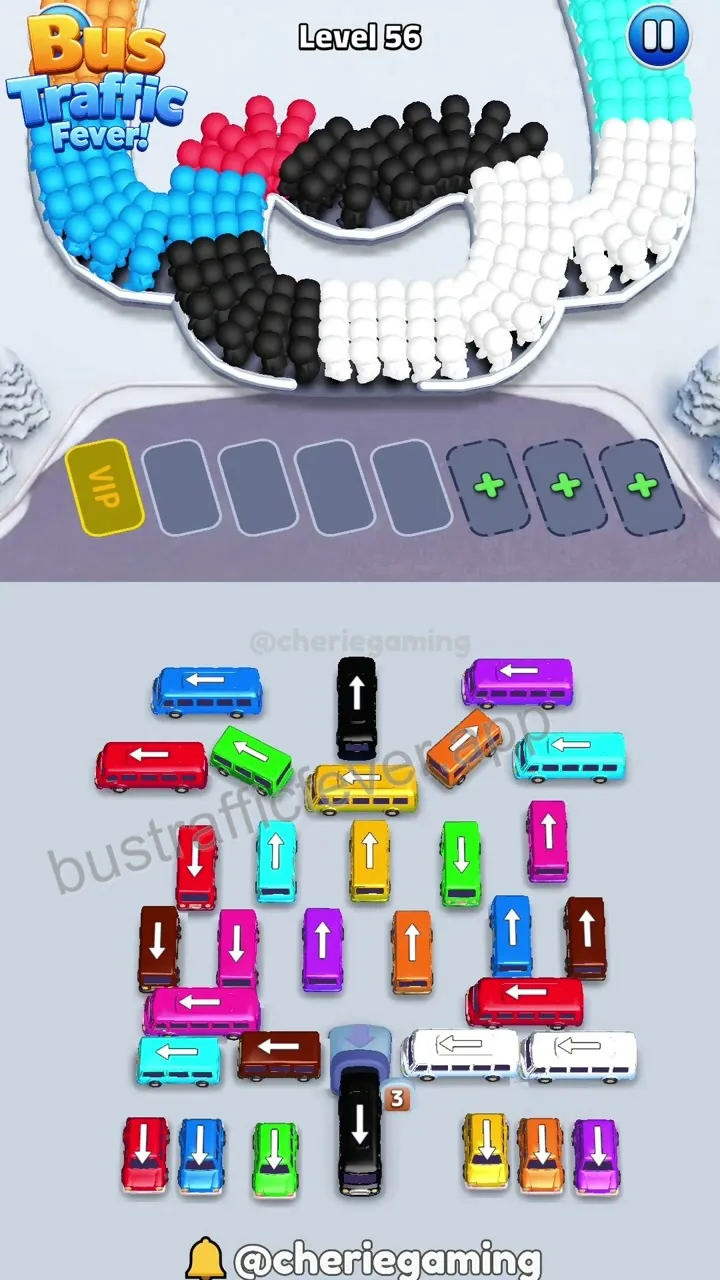 Step 1
The board features a complex layout of colored buses with a central passenger queue area and five parking slots, requiring careful sequencing to avoid gridlock.
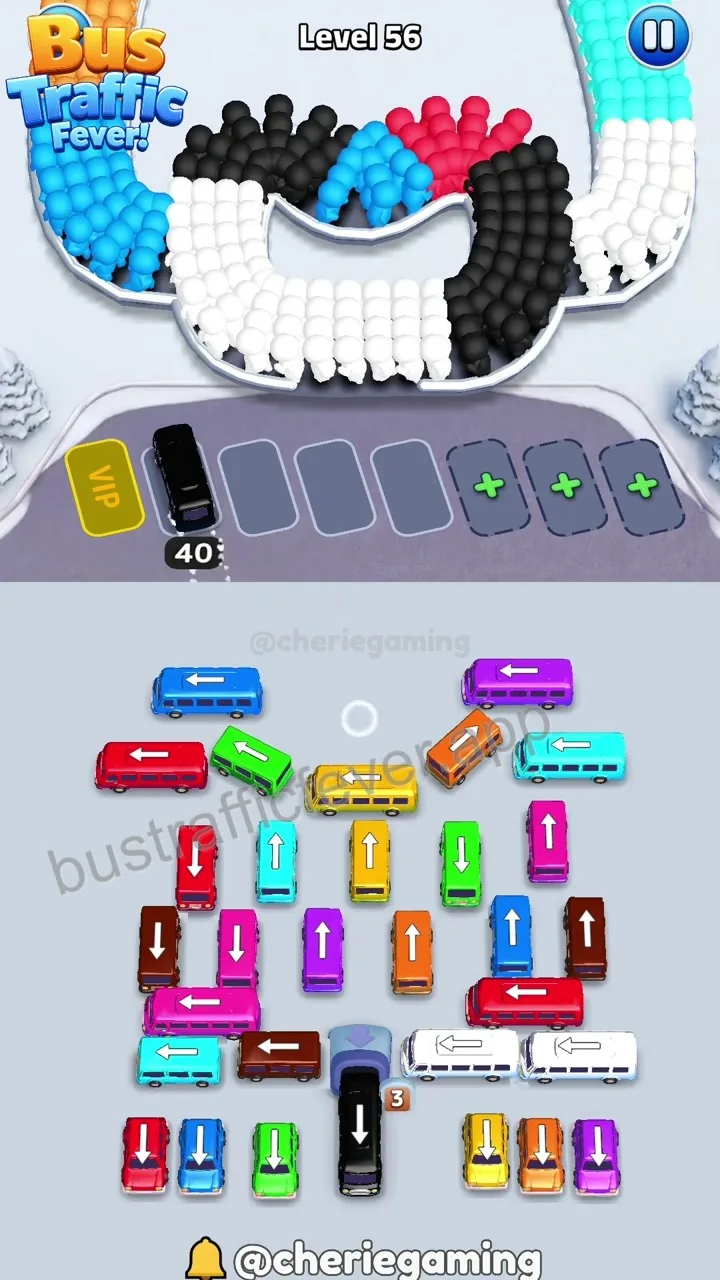 Step 2
Dispatch the black bus to the first parking slot to collect the initial black passengers, clearing the path for subsequent bus movements.
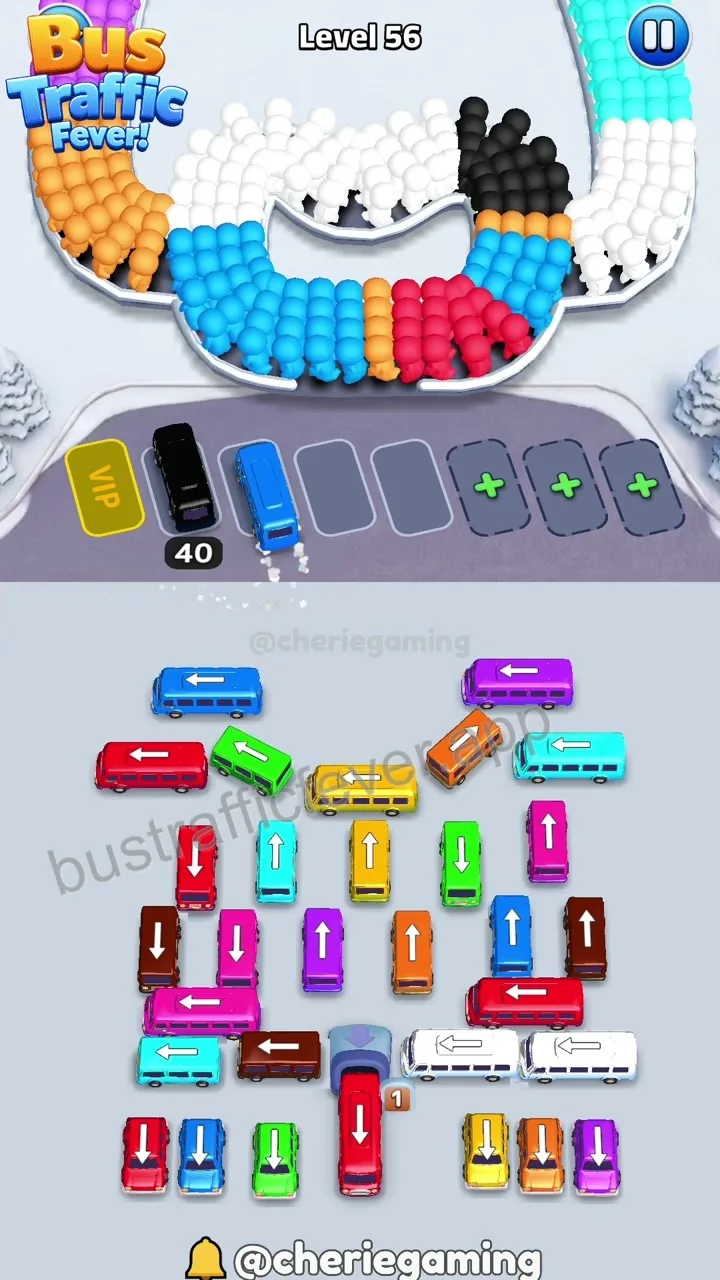 Step 3
Dispatch the blue bus to the second parking slot to collect blue passengers, which helps clear the central area.
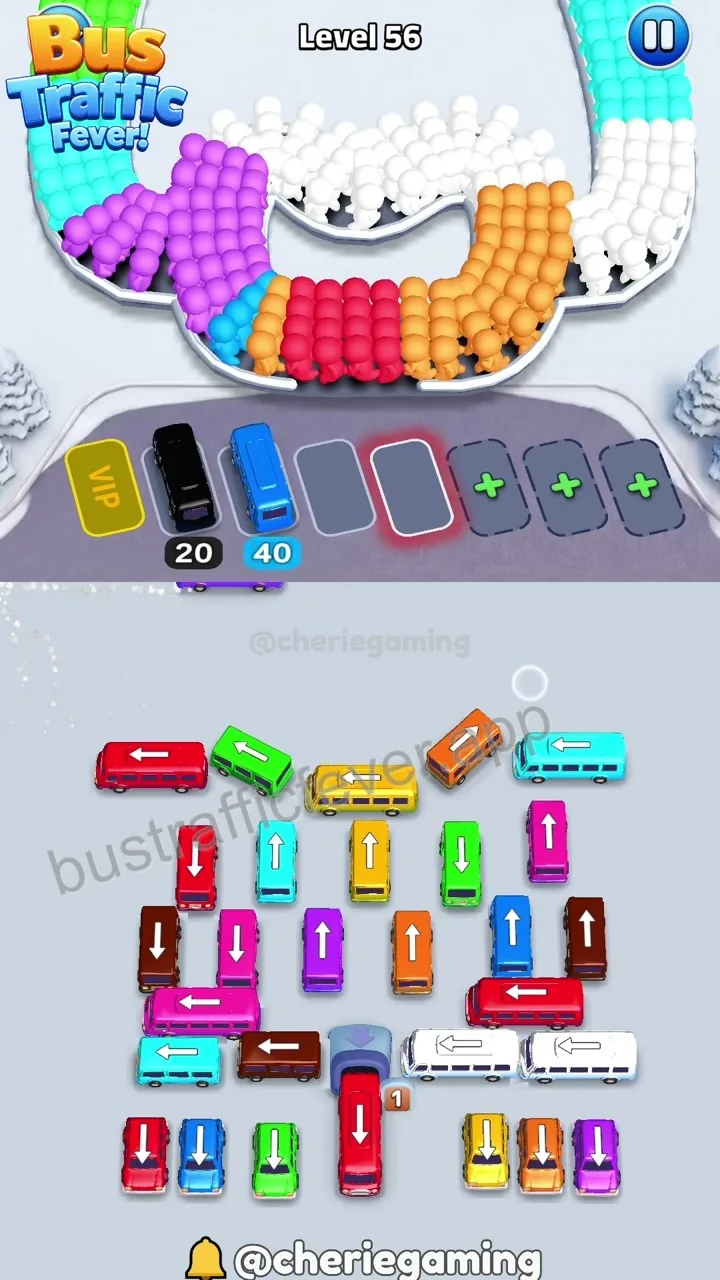 Step 4
Dispatch the purple bus to the third parking slot to collect purple passengers, further reducing congestion on the board.
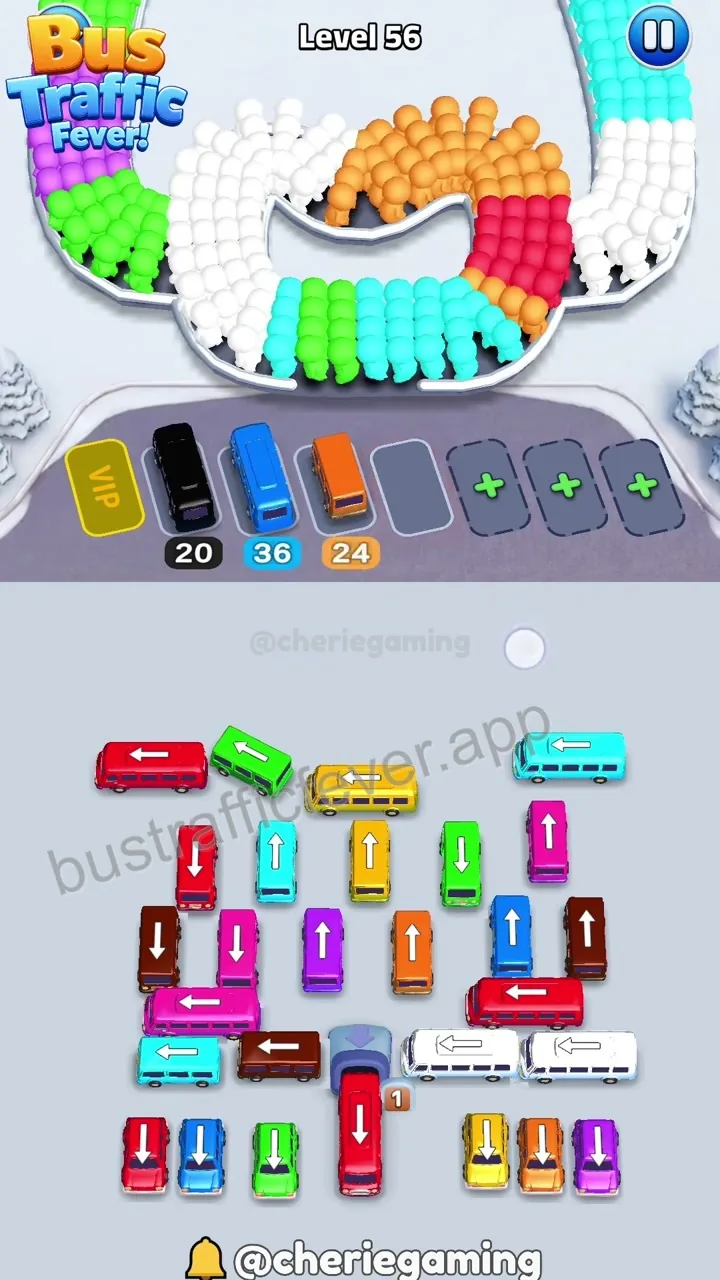 Step 5
Dispatch the orange bus to the fourth parking slot to collect orange passengers, opening up more space for remaining buses.
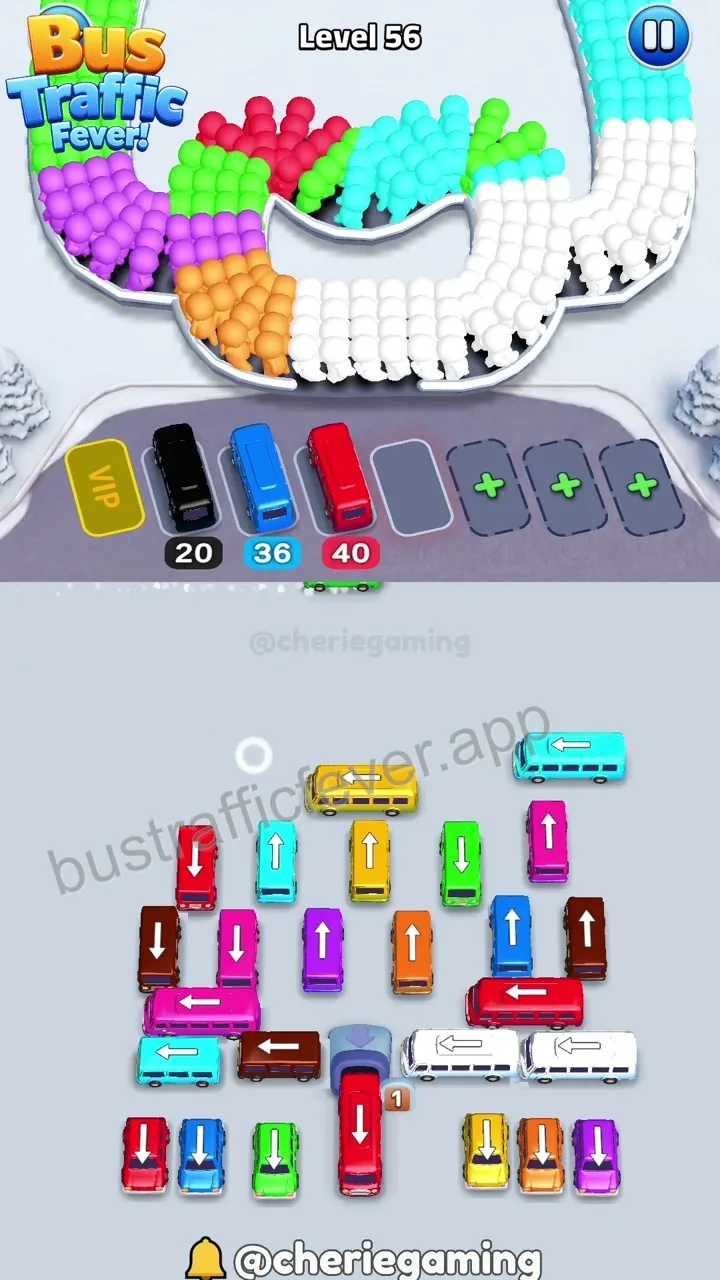 Step 6
Dispatch the green bus to the fifth parking slot to collect green passengers, which is essential for reaching the final buses.
 Step 7
Dispatch the final yellow bus to the parking slot to collect the last remaining passengers, successfully clearing the board.
Player discussion
Level 56 comments 0
Share a board-specific observation, report a version mismatch, or ask a focused question about this level.
Add a public comment
Your display name, comment, and optional image will be public. Do not enter an email address or sensitive information.
No comments for this board yet
Start a useful, level-specific discussion.